Start menu and taskbar.
Launching programs, pinned apps, desktop icons and the Windows key behave the way you expect.
A desktop you know from Windows. Underneath, CachyOS: a fast, up-to-date Linux based on Arch Linux. WinDoesNot takes care of the setup so you can simply get started.
Go to downloads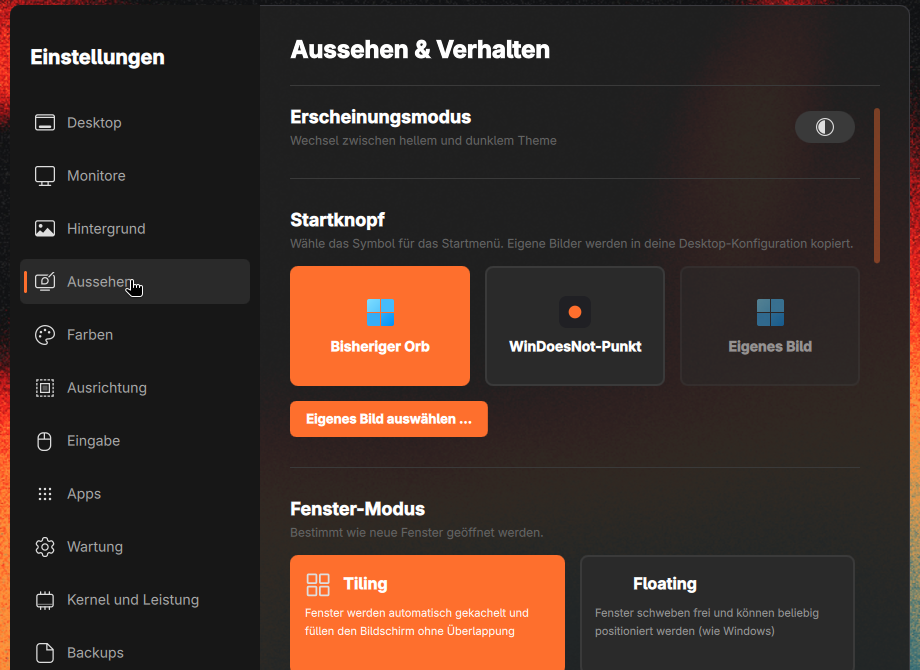
Keep the familiar Orb or choose the WinDoesNot dot. Under Settings → Appearance, you can switch between these two Start-button styles or use your own image.
Light or dark, tiled or floating windows: the same settings let you shape the desktop to suit you.
You do not have to relearn how a computer works. The usual paths stay, and the system underneath is current.
Launching programs, pinned apps, desktop icons and the Windows key behave the way you expect.
Appearance, displays, input, updates and backups live in one settings app, in plain language. Kernel and maintenance have their own sections there too.
Clear guides and every keyboard shortcut, searchable and readable without expert knowledge.
WinDoesNot takes CachyOS' performance tuning and sets it up to match your computer.
The installer detects what your processor supports and enables the matching optimized packages: x86-64-v3, v4 or AMD Zen 4 and 5.
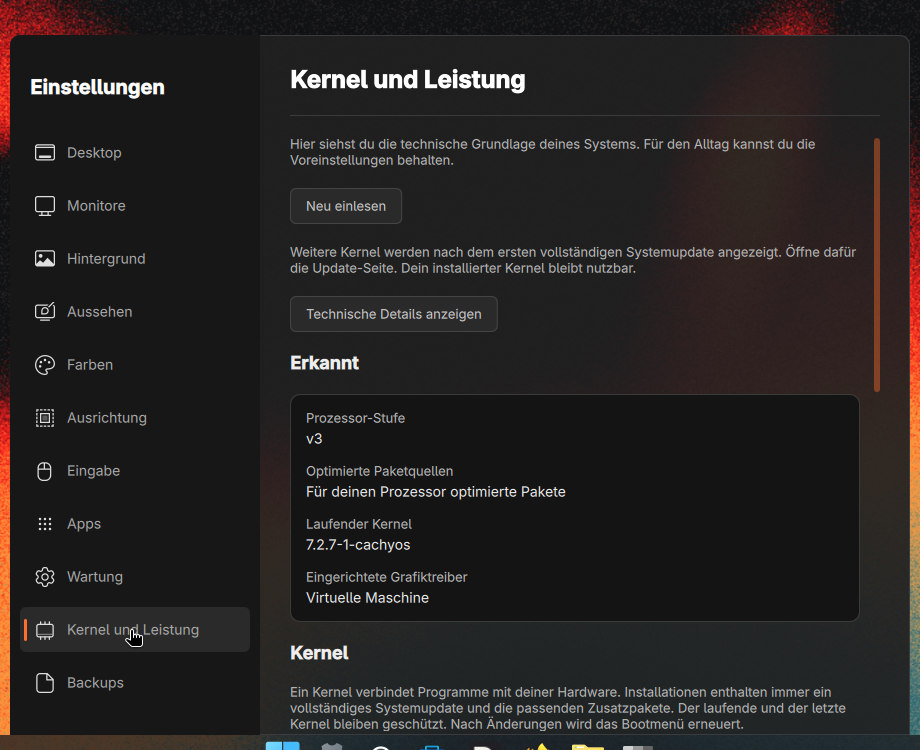
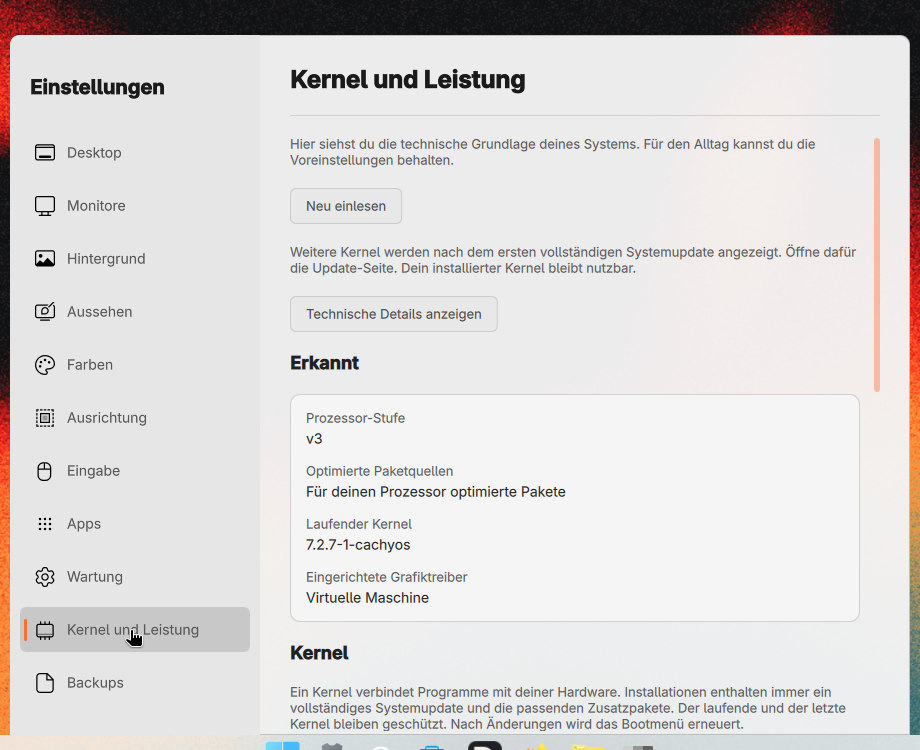
The CachyOS kernel is tuned for quick response. A long-term kernel waits in the boot menu as a fallback.
Compressed Btrfs, compressed swap in RAM with zram and automatic process prioritization keep the system snappy.
No hunting for drivers or picking package servers. The installer shows you what it detected along the way.
NVIDIA, AMD, Intel and virtual machines are detected and set up, even offline, including the 32-bit drivers games need.
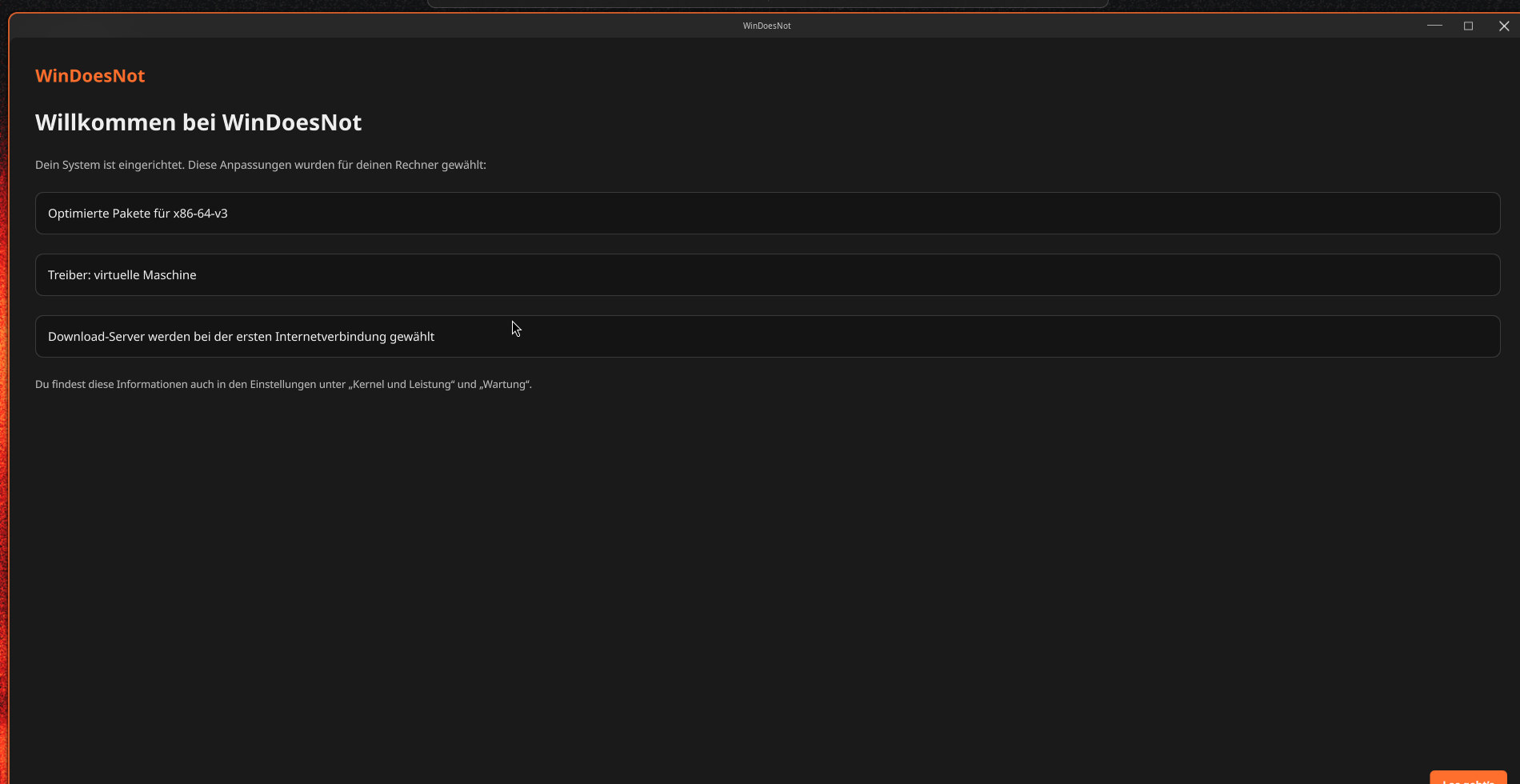
Downloads come from nearby, fast servers, chosen during installation or on the first internet connection.
Install entirely from the medium or with internet, and choose the bootloader and your programs during installation.
An up-to-date system should not mean memorizing commands.
The updates page shows what WinDoesNot brings, which programs change and whether a restart is needed. Important Arch Linux notices appear first.
On Btrfs, WinDoesNot saves the system state daily and at the push of a button. Settings explain what a point contains and what it does not.
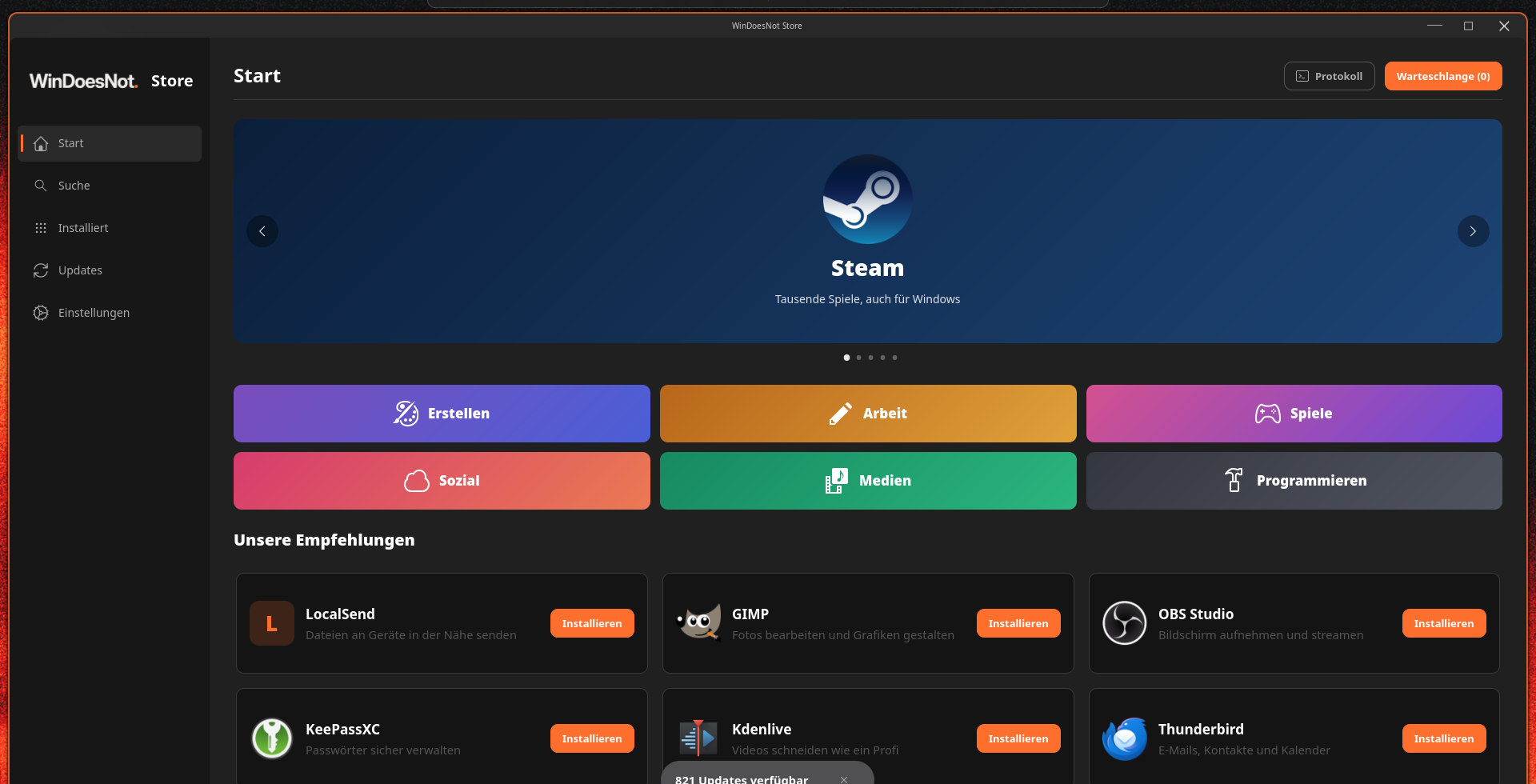
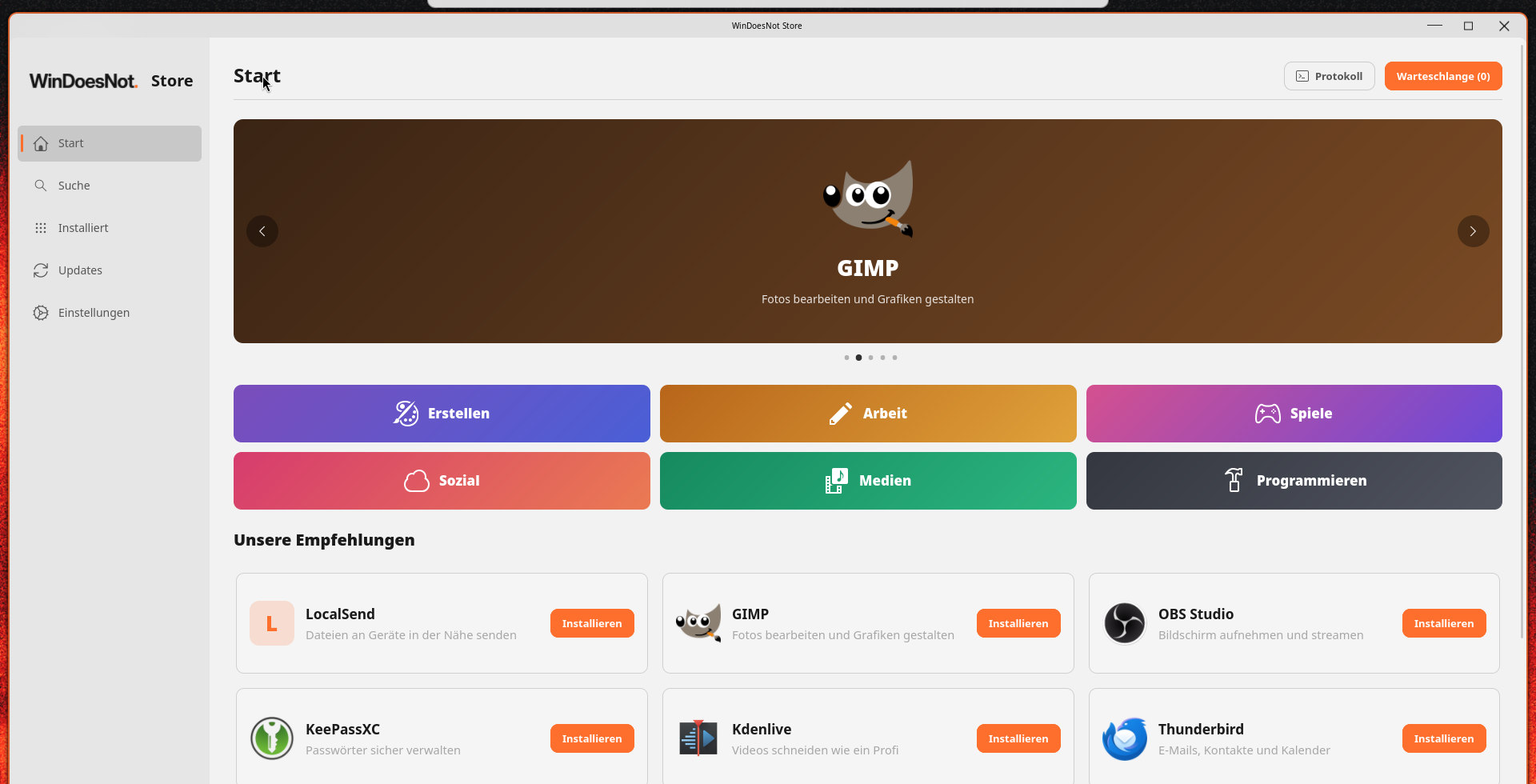
Programs from the repositories, from Flathub and, if you like, from the AUR. You see where a program comes from and can review AUR packages before building.
WinDoesNot is an independent project. It uses CachyOS and Arch Linux as its foundation and adds its own interface, tools and installer.
The new apps follow the desktop language, light or dark theme and accent colour.
The graphics icon shows temperature, load, fan, power and memory. Double-click to open the Graphics app.
The audio mixer offers volume and mute per application. Network, Bluetooth and Audio share one look.
Choose extra apps and web apps in the installer. Apps that need the internet download after setup when you are online.
WinDoesNot 0.1.0-27 is available and in active development. The live ISO and installer were checked in UEFI VMs. WinDoesNot is not affiliated with Microsoft.
Go to the download page