Everything in its place.
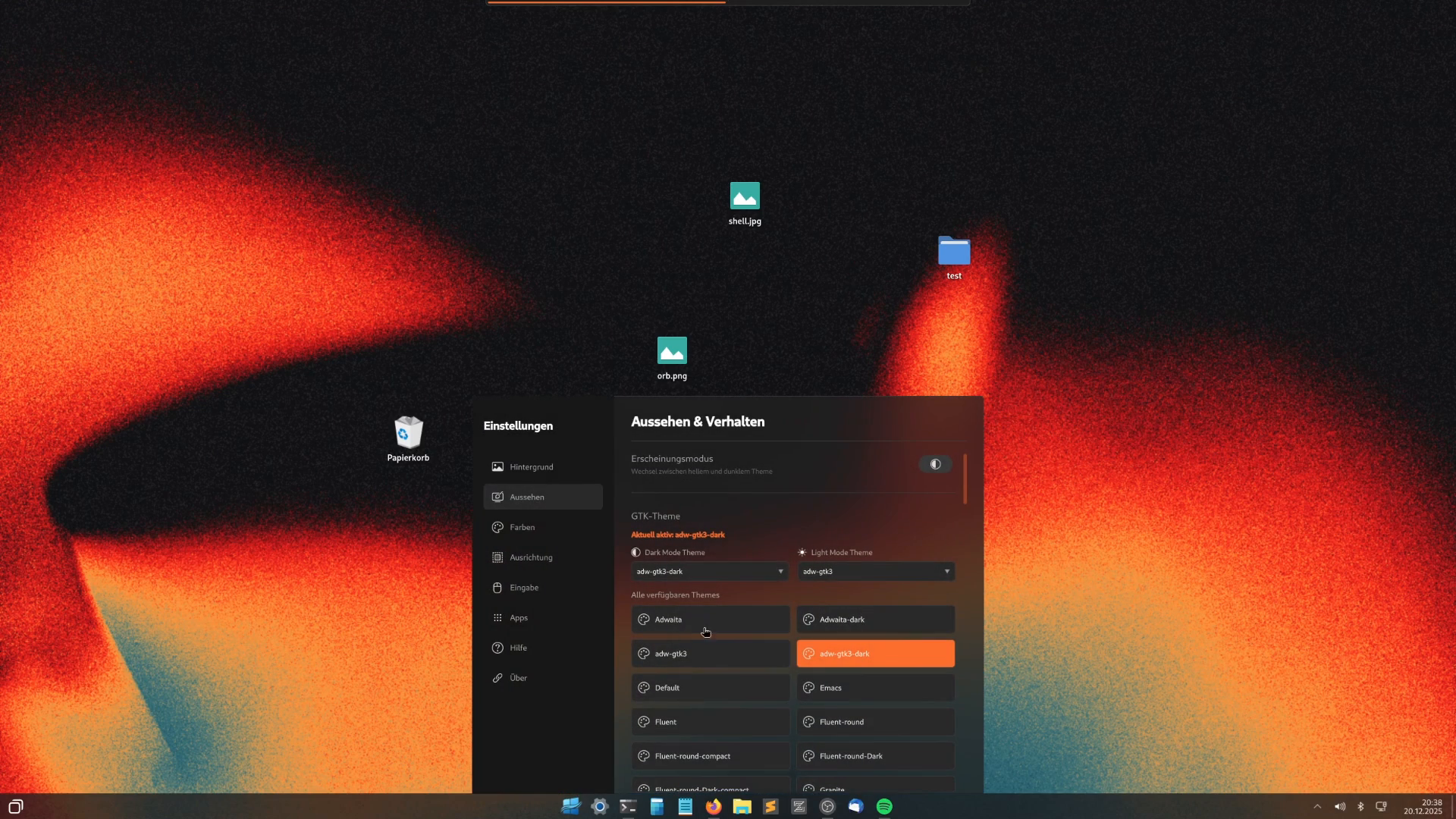
Its own taskbar, an app menu and desktop icons. The way you are used to starting your day.
A start menu, taskbar and windows you recognize right away. A Linux desktop you can shape to your own taste.
Go to downloads See the desktopThe video could not be started. Use the video controls or open the recording directly.
Open the start menu. Arrange windows. Put files on the desktop. The small things should feel right from the start.
Its own taskbar, an app menu and desktop icons. The way you are used to starting your day.
Arrange your windows the way you work. In floating mode, you can snap them to a screen edge.
Wallpaper, colors, input and apps in its own settings. With a light and a dark appearance.
Boot the live ISO and explore the complete desktop without installing it.
If you want to keep WinDoesNot, open “Install WinDoesNot” in the live system. The selected drive is changed during installation. Back up important data before you install.
Go to downloadsIn the installer you see your Windows folders with their sizes and choose what comes along. Files from the Windows desktop end up in the Desktop folder of your new account.
Documents, pictures, music, videos, downloads and desktop: you decide what comes along.
The installer only reads your Windows data and does not change Windows.
Passwords are not transferred. You export them in Windows. A program for that, "WinDoesNot Setup", is being built and is not finished yet.
Light during the day. Dark in the evening. Adjust your desktop until it feels right, with matching colors for your programs.
Original recordings from development. Content and interface may still change before the release.
Underneath the familiar desktop is CachyOS. WinDoesNot sets it up for your computer and explains what happens.
The installer detects your processor and graphics card, enables optimized packages and sets up the drivers.
An updates page shows what changes and whether a restart is needed. Restore points save the system state.
The WinDoesNot Store finds programs in the repositories, on Flathub and, if you like, in the AUR.
WinDoesNot does not collect your habits or send your searches to Microsoft.
This website uses no tracking or analytics tools. It loads no external scripts or embedded content. The hosting service processes technical data needed to deliver the site.
Read the privacy policyAt the beginning of 2025 I switched from Windows to Linux. The desktop had to fit the way I work every day.
The first tweaks turned into my own interface, a start menu, a taskbar and settings. Out of that, an independent Linux desktop is taking shape, and I use it myself every day.
WinDoesNot is for people who are curious about Linux and want to bring familiar habits along. And for everyone who likes to design their own desktop.
From the community
In December 2025, I shared my desktop on Reddit for the first time. People asked for the dotfiles and a release. That interest encouraged me to keep going.
The first live ISO and desktop sources are now public. If you try it, I would love to hear how it works for you.
Read the original Reddit post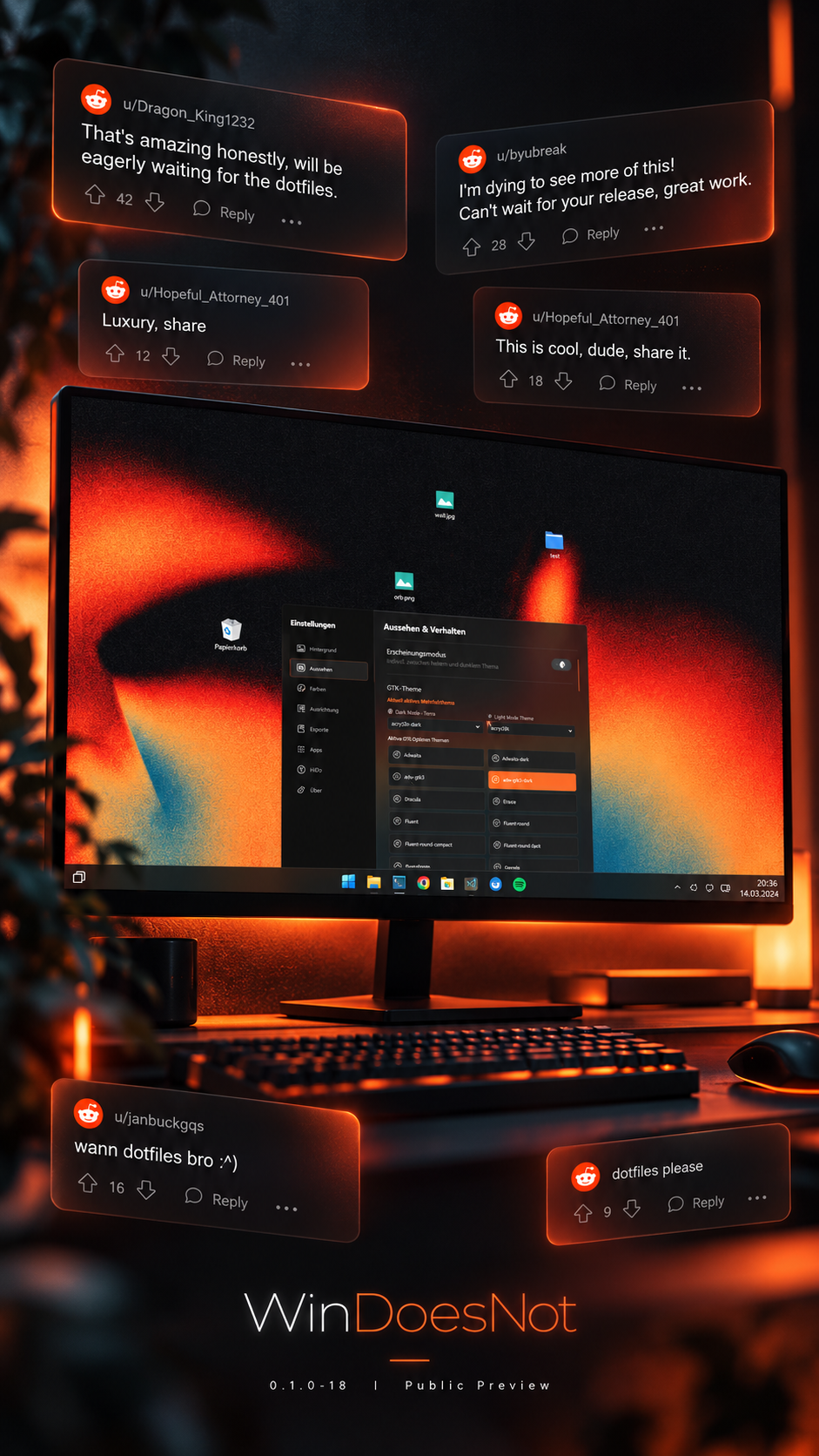
New tools help with apps, devices and everyday work.
The Store searches as you type, shows apps from Flathub and groups updates by source and topic. Flatpak is prepared. You can enable the AUR when you need it.
Click the graphics icon for temperature, load and other live readings. The audio mixer lets you set the volume for each app.
You can also queue Chrome, Sublime Text and AI tools. They download after setup once you are online. Web apps such as Netflix or YouTube open as their own windows without browser bars. ArtCraft is on offer too and is downloaded after the installation.
Copy, cut and paste with Ctrl+C, Ctrl+X and Ctrl+V or via right-click. You can also drag files from the file manager onto the desktop.
rEFInd, Limine and GRUB get their own theme. If you want the default look, turn it off in the settings.
When you open it, it shows the WinDoesNot wordmark and system info. You can turn it off and choose Bash, Fish or Zsh.
You can use a terminal on the desktop and view, start and stop containers in the Docker panel.
The Ollama panel shows local models. The installer lets you choose development and AI tools. Docker and Ollama require their respective services to be installed and reachable.
WinDoesNot 0.1.0-27 is here: it runs, and it is still in active development. Try the live ISO and installer. Tested in UEFI VMs; real-hardware tests are still pending.
Choose ISO or dotfiles