Updates and restore points
What the updates page shows and what a restore point saves.
On this page
The updates page
Open Settings and choose Updates. The page shows separately what changes: WinDoesNot (the desktop itself, with a short list of what is new), Programs and System. It also tells you whether a restart is needed after the update.
Updating
Update now opens the WinDoesNot Store with all updates. Important Arch Linux notices appear there before the update so you do not miss anything important. Then you confirm with your password.
If parts of the desktop were updated, save your work and sign out and back in, or restart if the page recommends it.
If the update stops because of Hyprland, gcc-libs or windoesnot-plugins, read System update fails: Hyprland or gcc-libs.
Restore points
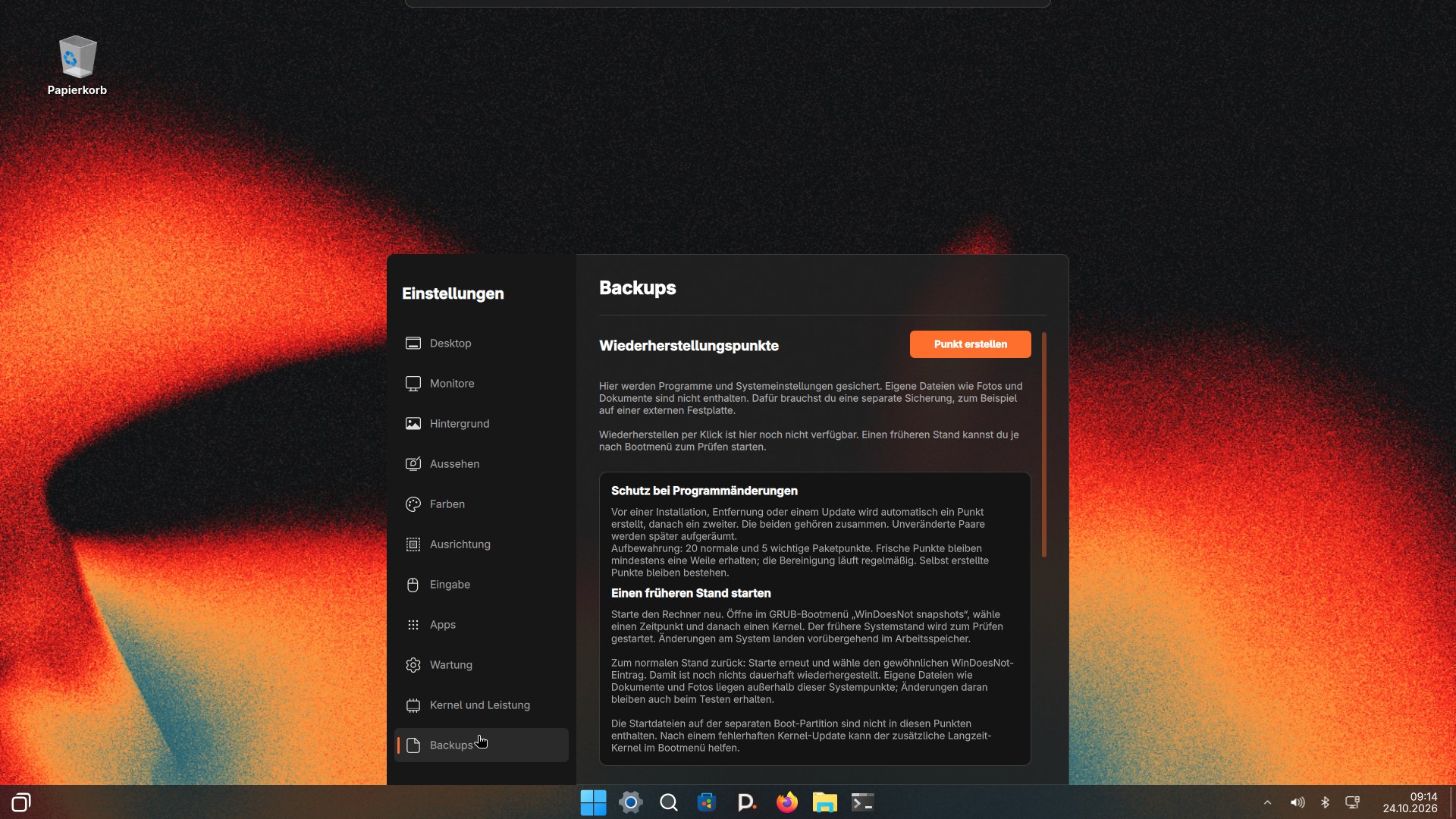
Under Backups you find the restore points. On a Btrfs system WinDoesNot creates one automatically every day, and you can create one yourself at any time, for example before a bigger change. The page explains what a point contains.
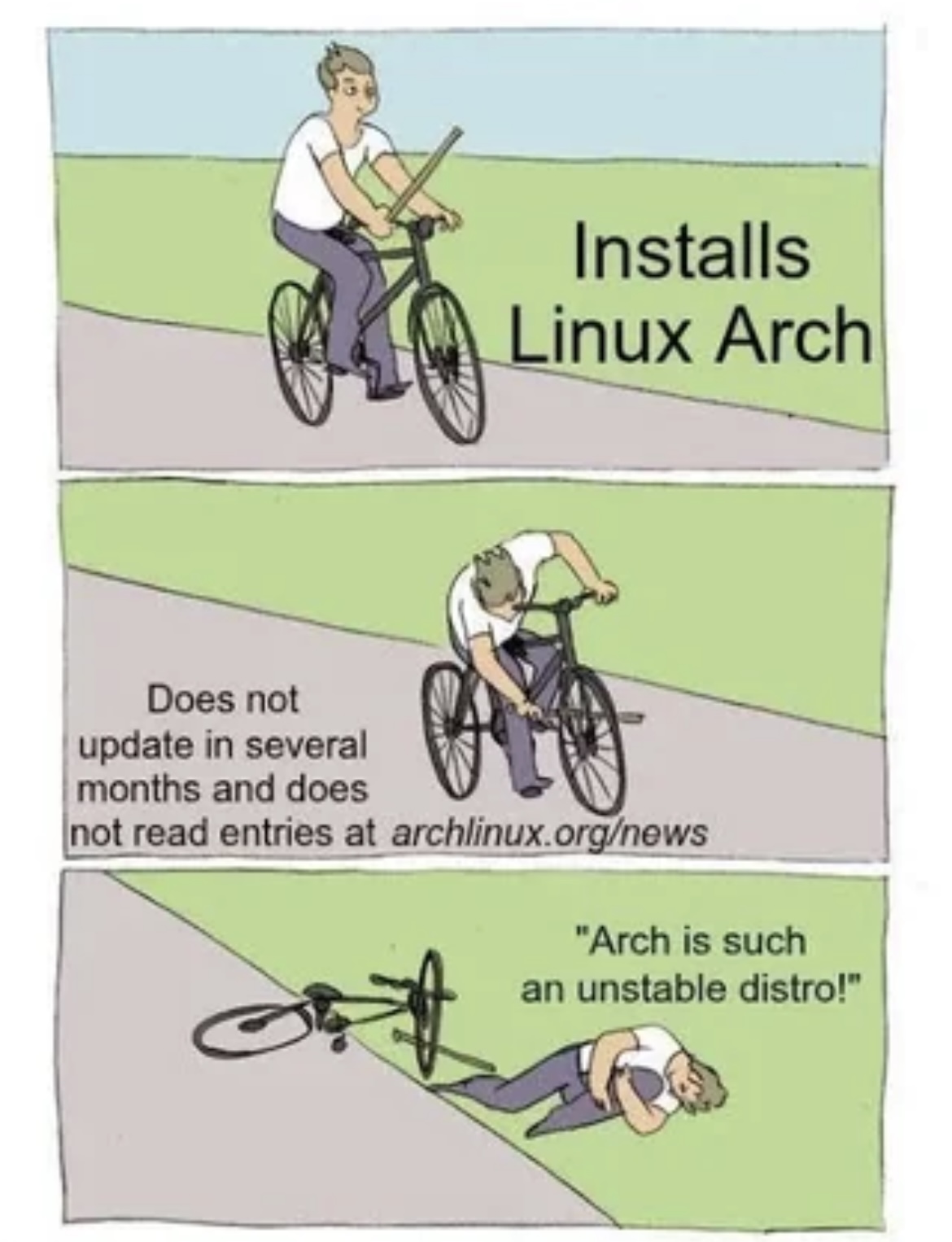
WinDoesNot also creates its own point automatically before every package change, not just once a day. If an update breaks the system so badly it will not even start, you can boot straight into an earlier point from the boot menu, no working desktop required. The classic "didn't update for months, then the big jump breaks everything" story becomes something you roll back from, not a disaster.
A restore point saves the system, not your documents. Back up important files to another drive as well. To roll back, choose a point on the Backups page and click Restore. After you confirm, that state replaces the current system and the computer restarts; documents and photos in your home folder are kept. If that is not possible on your system, for example because the point uses a different kernel, boot an earlier state from the boot menu (GRUB, Limine or rEFInd) to check it, or restore it from the live system.
Technical background on desktop updates
The Store groups updates by source and topic: apps, system and drivers, tools and libraries. Restore points are created before and after each app change. With GRUB, Limine and rEFInd, you can boot an earlier state from the boot menu.
As of 9 November 2026 · This help describes version 0.1.0-27. Individual features and labels may change.
← More help topicsReport a problem →