Installing programs with the Store
Find programs, choose the source and review AUR packages.
On this page
Opening the Store
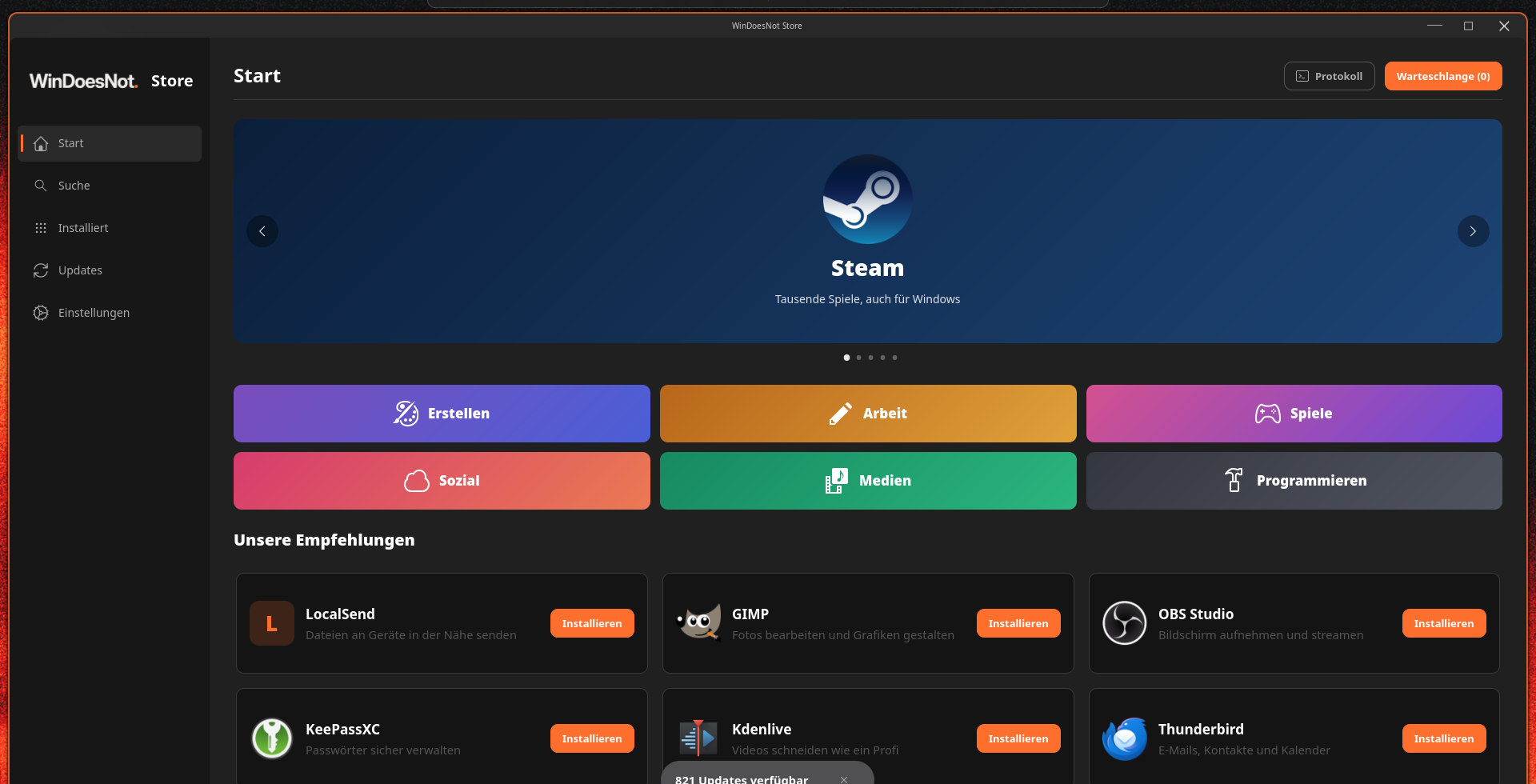
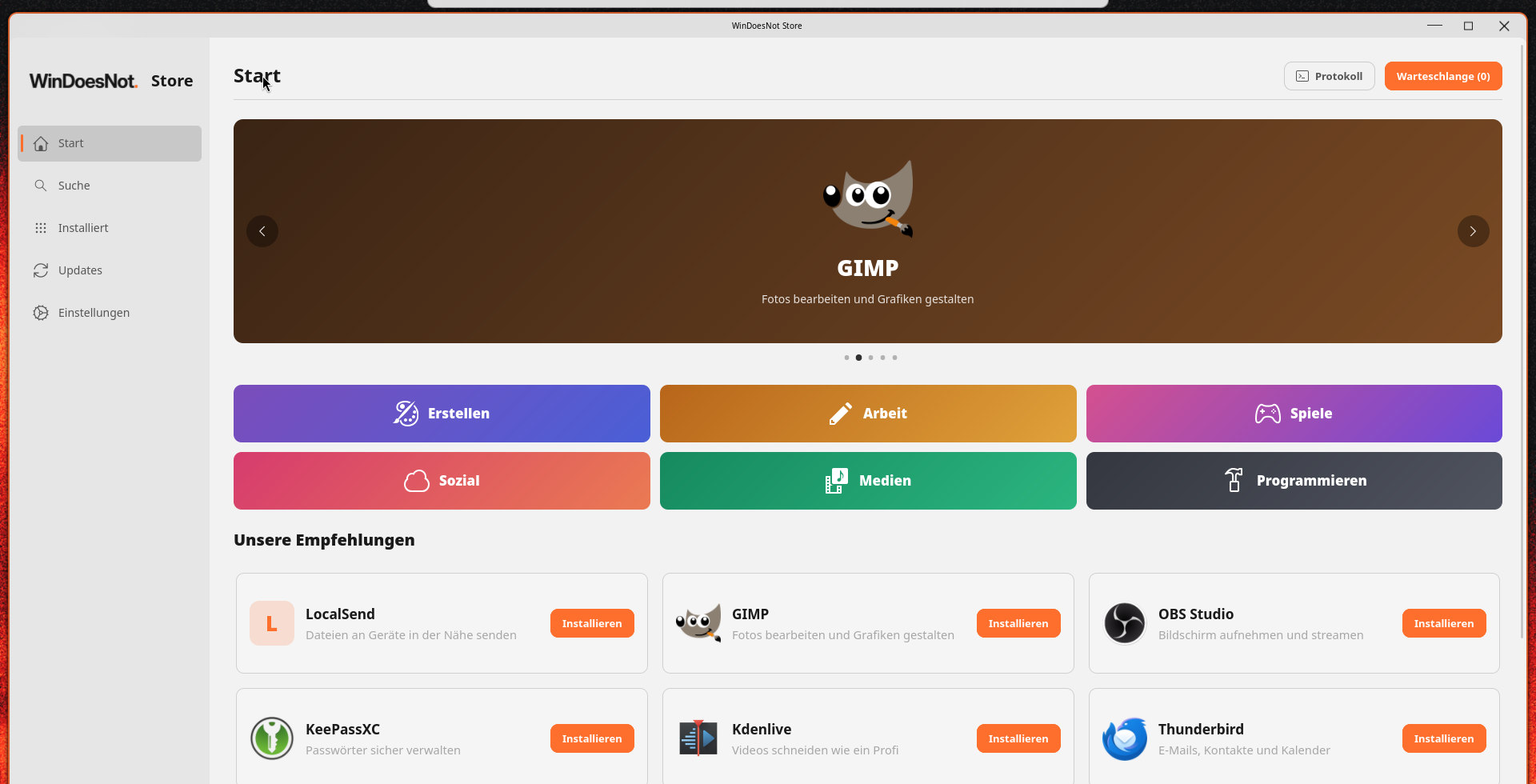
Open the start menu and launch the WinDoesNot Store. There you search for programs, install and remove them and see available updates.
Where programs come from
- Repositories of Arch Linux and CachyOS: the recommended source, reviewed and well integrated into the system.
- Flathub: programs in a sandboxed environment, often directly from their developers.
- AUR: community build recipes. The AUR stays off until you turn it on in the Store or in Settings.
Choosing the source
When a program is available from several sources, its details page lists them all with version and origin. For new installs, Flatpak is preferred when available. You can pick another source before installing.
Reviewing AUR packages
AUR packages are built on your computer. Before that, the Store shows the build recipe, the changes since the last version and hints about unusual steps. Only install an AUR package if you trust it.
Lists stay current
The Installed and Updates pages reload their list as soon as you open them. You do not need a refresh button; programs you installed or removed elsewhere show up immediately. Opening the Updates page also syncs the package lists.
Versions at a glance
Search results show the version after the source, for example “Pacman · 1.2.3”. That tells you whether one source has a newer version without opening both details pages. For Flatpak programs, the details page shows whether an update is available and installs it with one click.
Uninstalling programs
Right-click an app in the start menu and choose Uninstall…. The Store opens that app's page directly, whether it is installed as a package or as a Flatpak. You remove it there.
Search, updates and Flatpak
The home page finds matches as you type and shows popular and trending Flathub apps. Details include screenshots and warn when a system update is required. Updates are grouped by source and topic. For new installs, the Store prefers Flatpak when available. You can see progress and expand the log. The Store also shows apps chosen in the installer that are still waiting to be installed.
As of 9 November 2026 · This help describes version 0.1.0-27. Individual features and labels may change.
← More help topicsReport a problem →